Fix broken progress or save states
Players use the editor to recover from stuck quests, bad inventory states, missing unlocks or save-level issues that are faster to repair than to replay.
Save editor for No Man's Sky
Fix, customize and manage your No Man's Sky saves.
Download No Man's Sky Save Editor, install it on Windows, Mac or Steam Deck, find your save files, fix broken progression and edit inventory, ships, rewards and more.
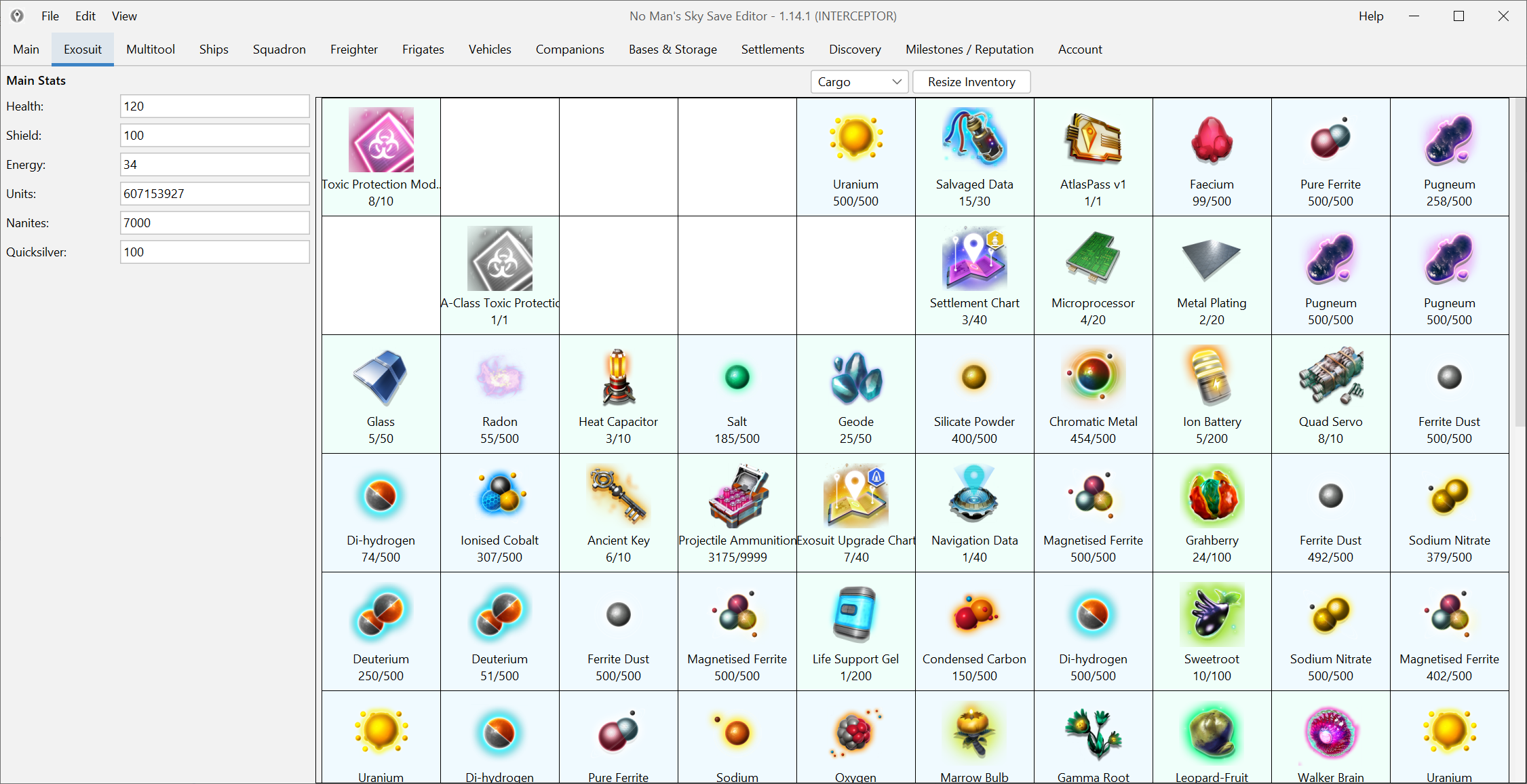
Open the editor, choose a save and change inventory, ships, rewards and more from a familiar desktop UI.
Why use it
Use it for stuck progress, inventory cleanup, ship changes, reward unlocks and the smaller fixes that are hard to do in game.
Players use the editor to recover from stuck quests, bad inventory states, missing unlocks or save-level issues that are faster to repair than to replay.
You can add resources, resize inventories and unlock the next practical step without turning the whole save into guesswork.
The editor covers far more than inventory. It reaches ships, freighters, companions, words, glyphs, rewards and other progression-heavy systems.
Use raw JSON only when the normal screens do not expose what you need or when a repair job gets unusually specific.
What it can edit
The editor covers everyday changes and deeper repair work. Start with the normal screens, then move into advanced tools only when you need them.
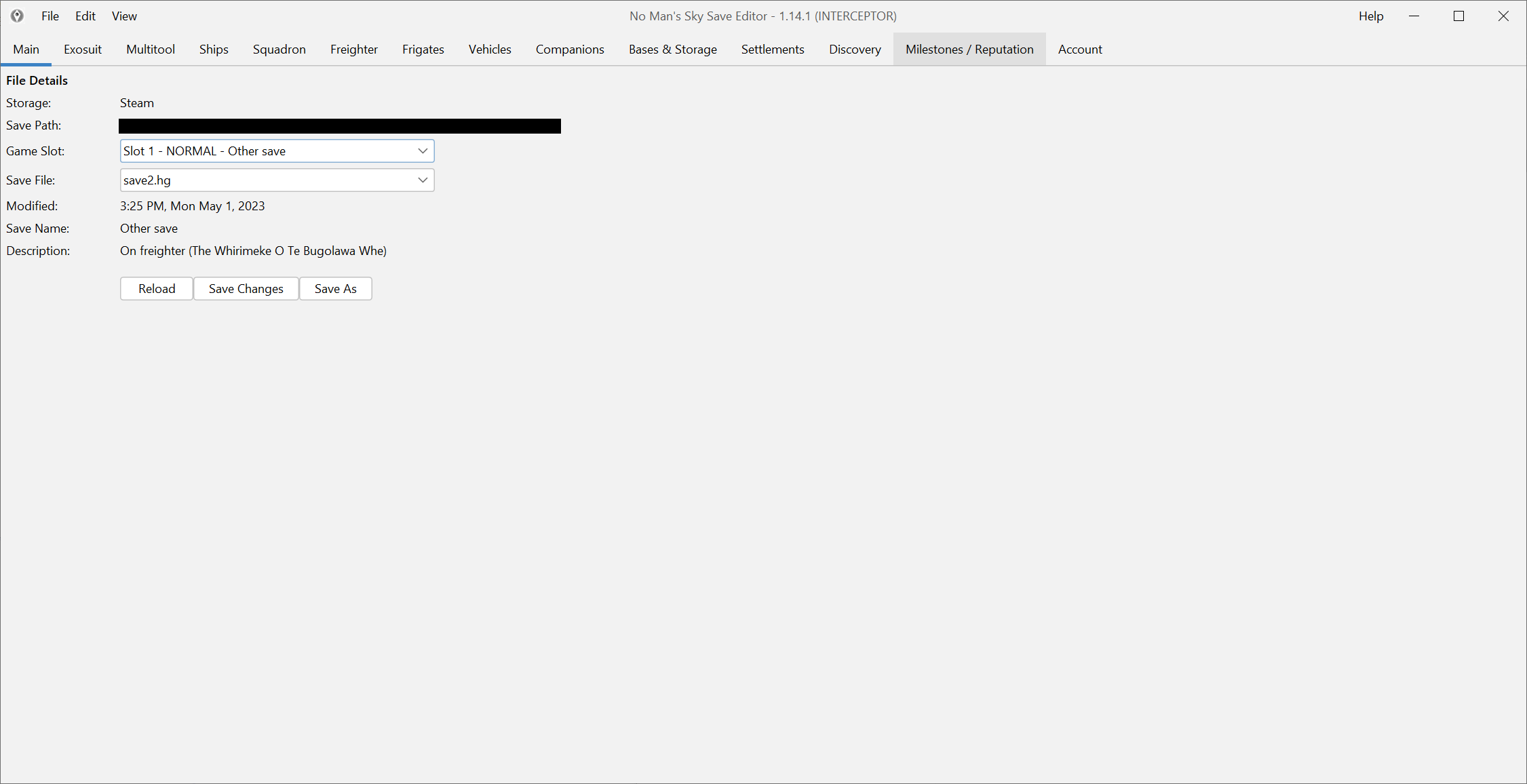
Open the right slot, keep a rollback path and make deliberate changes instead of editing blind.
Move, clone, add, repair, recharge and reorganize inventory data without digging through raw save structures first.
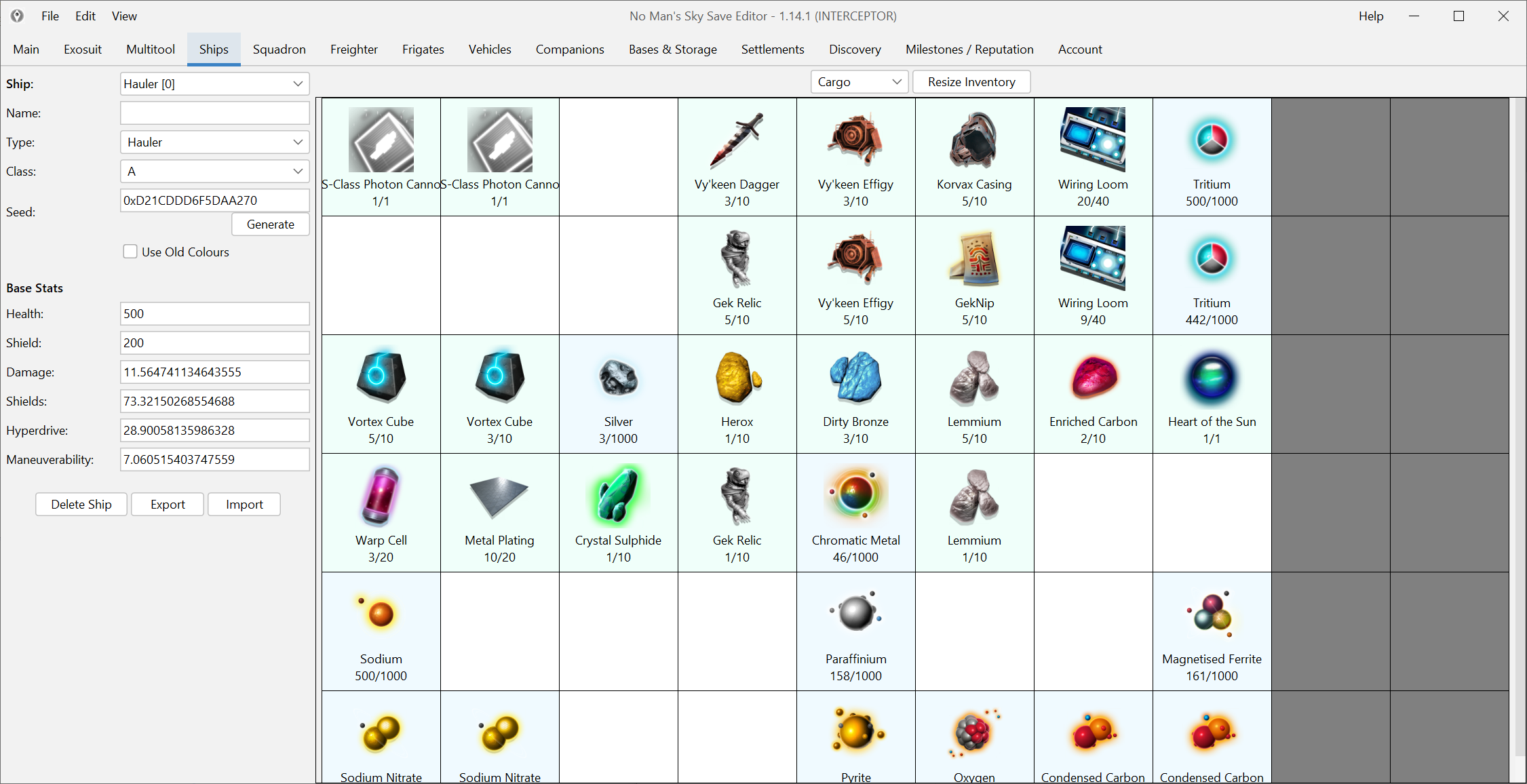
Handle ship class, seed and layout work alongside freighter, frigate and multitool data in a purpose-built UI.
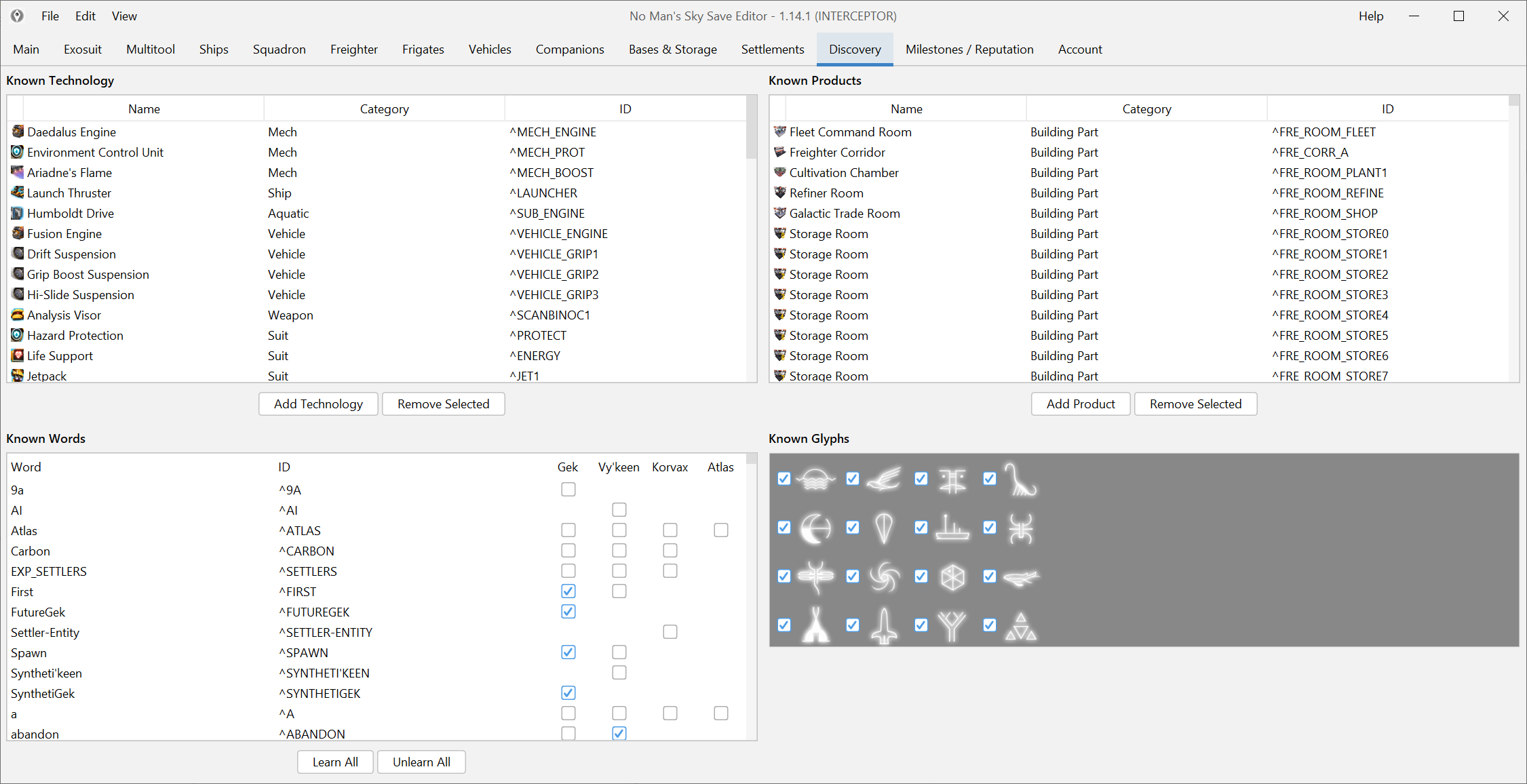
Edit knowledge, products, glyphs and other progression-linked discovery data without hunting for hidden switches.
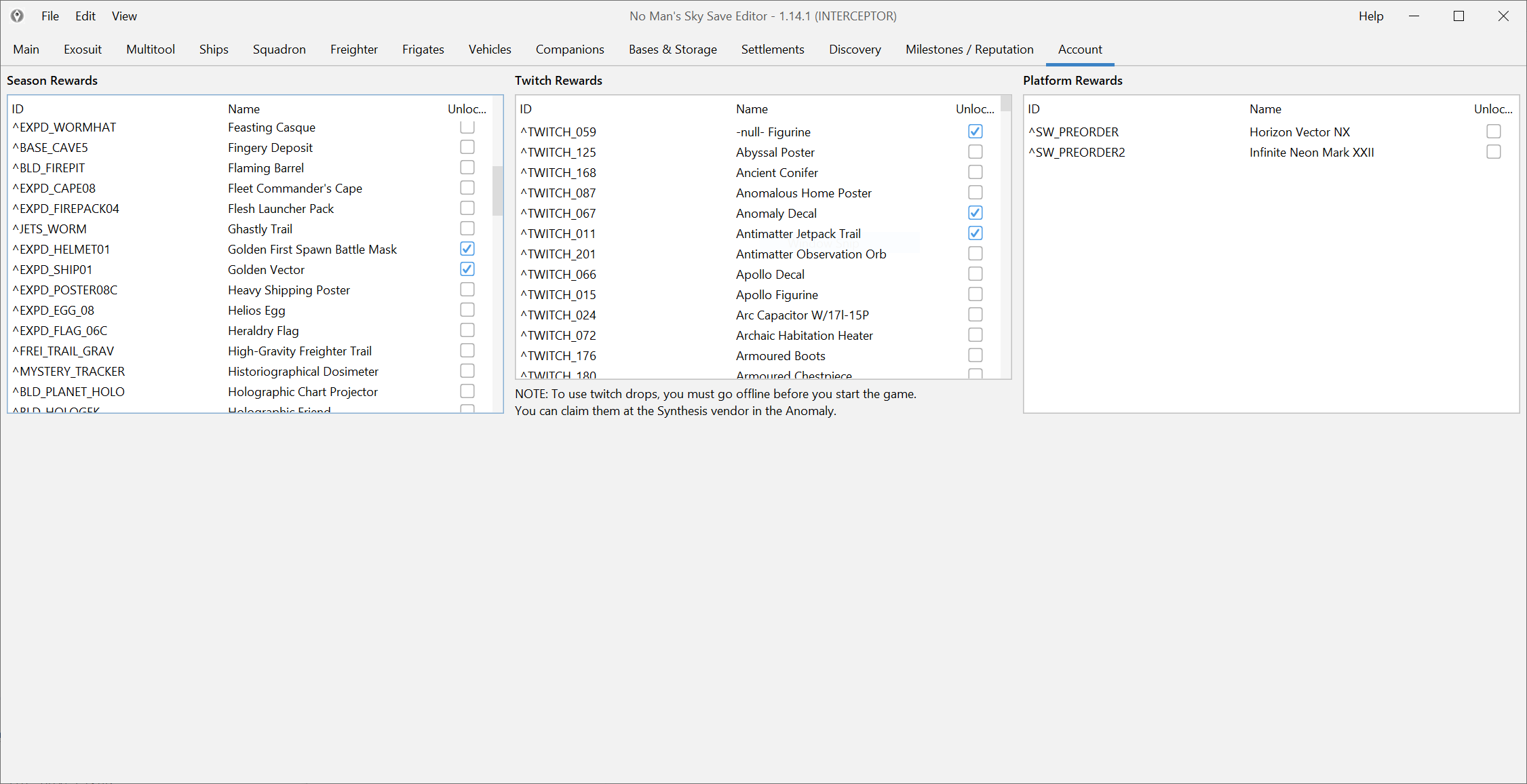
Unlock expedition rewards, Twitch rewards and account-level entitlements through the editor's account-oriented workflows.
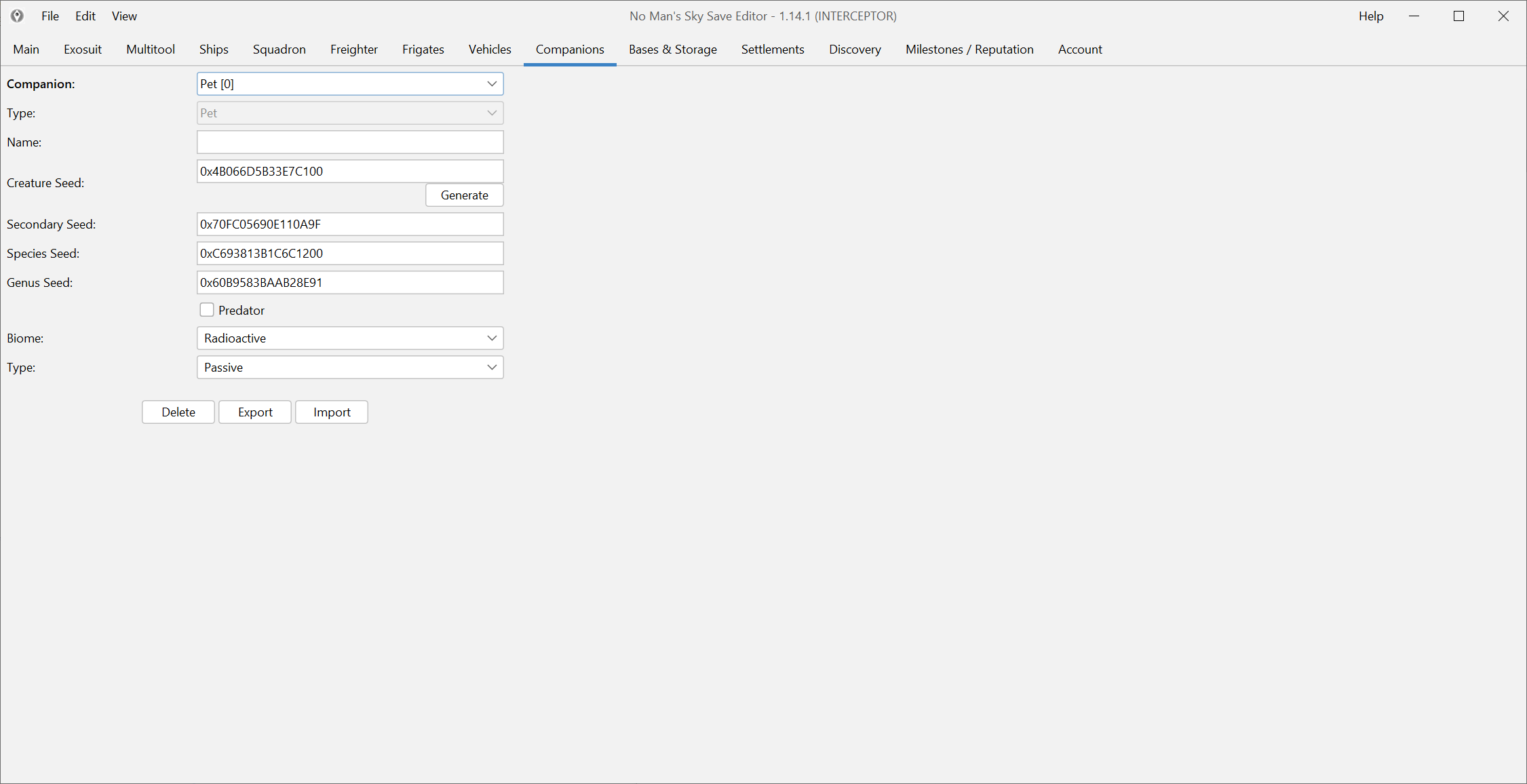
Adjust pet and settlement-related values when the built-in game route is too slow, too rigid or already broken.
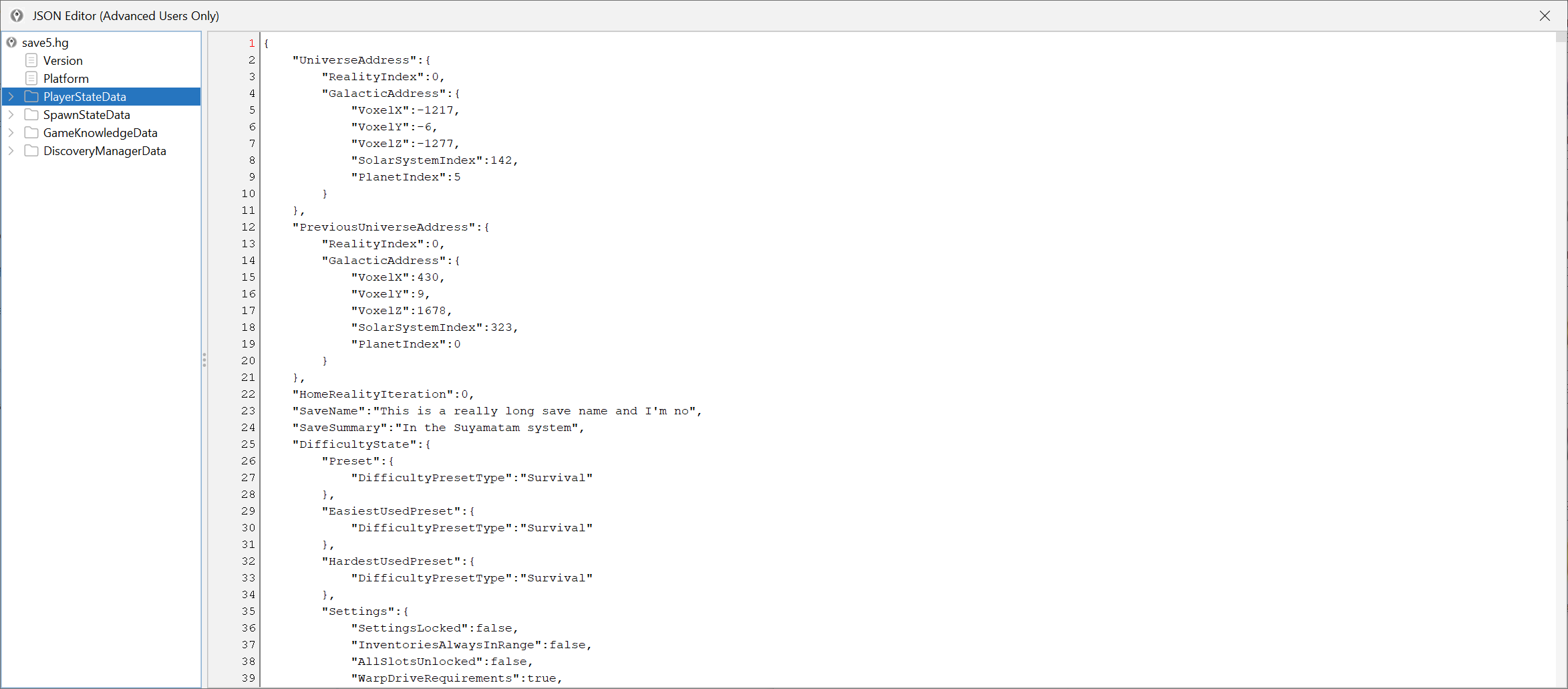
When a normal screen does not expose what you need, the raw JSON editor gives you direct access to the underlying save structure.
Safe and practical
A careful workflow beats a big risky edit. Back up the save, test one change, then continue if everything looks right in game.
If you want to check file names, dates or recent issue reports before downloading, open the GitHub project first.
A clean rollback copy matters more than any promise. Keep one before rewards, coordinates, JSON edits or large inventory changes.
Depending on the update, the extracted folder can include an EXE or an MSI installer. Extract the archive first, then run the included file.
After a large update, new rewards, items or save fields can lag behind the rest of the editor for a while.
Popular guides
Install the editor, find your save, unlock rewards, fix common problems or open the advanced guides when you need deeper changes.
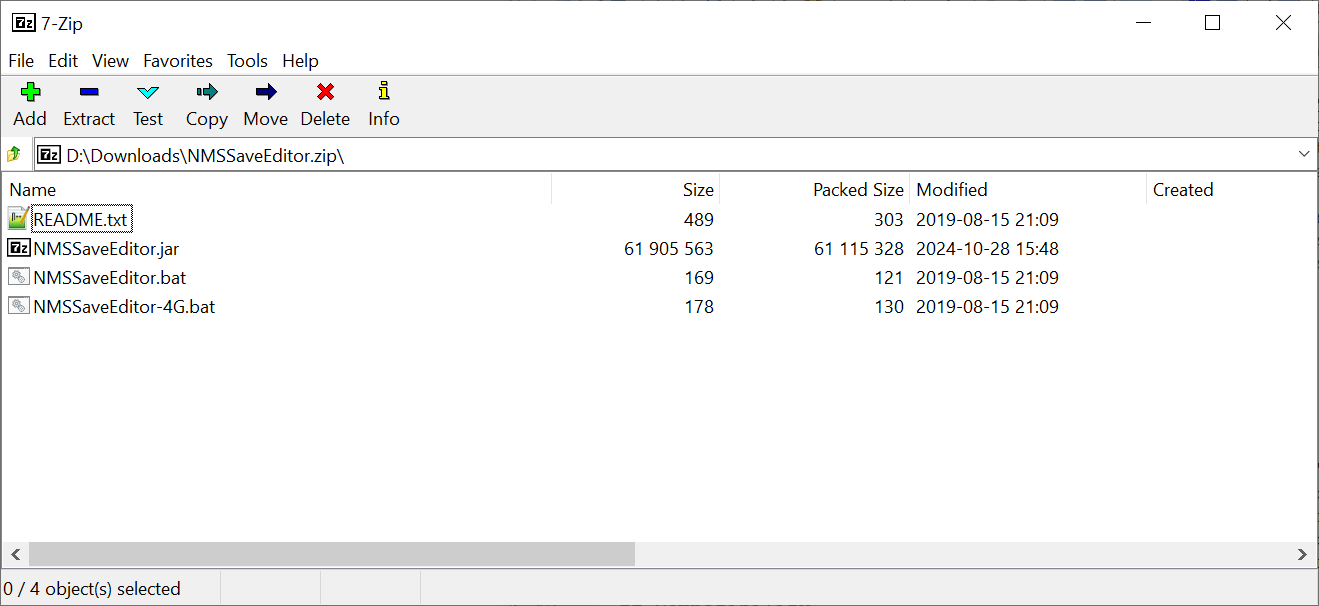
Download the Windows build, extract the archive, run the included EXE or MSI, open the correct save folder and test one small change first.
Read guide Use this step-by-step guide to install Java 8, launch NMSSaveEditor.jar from Command Prompt, and point the editor at the correct Steam, GOG, or Game Pass save folder.
Read guide Use the correct save path for your platform before you assume the editor is broken, especially on Game Pass or Steam Deck.
Read guide Use the editor with a backup-first, one-change-at-a-time workflow instead of relying on promises that no save editor can honestly make.
Read guide Use the JAR build, verify Java early and keep the setup path clear instead of treating Mac support like a hidden edge case.
Read guide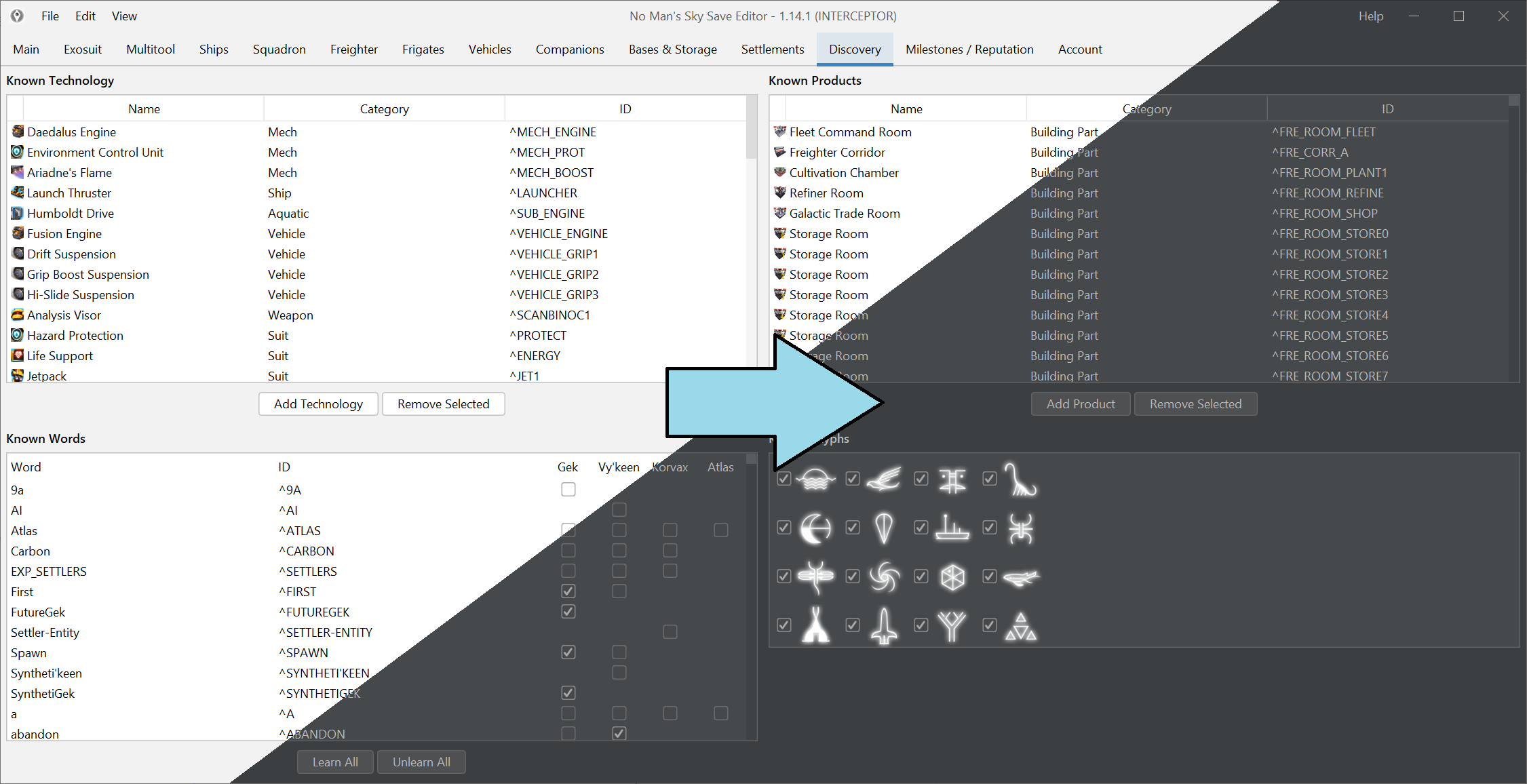
Use Desktop Mode, keep the Proton save path visible and validate the workflow with one small edit before you trust the whole setup.
Read guideCompatibility snapshot
Core editing can keep working while brand-new items, rewards or Game Pass paths catch up after a major update.
Screenshots
These screenshots show the real interface, not mockups. Browse inventory, ships, rewards and advanced editing views before you open the tool.