Features
A practical editor for everyday save management, repair work and deeper customizations.
Open the editor for backups, inventory changes, ship and freighter edits, account rewards, companions, settlements and advanced JSON work.
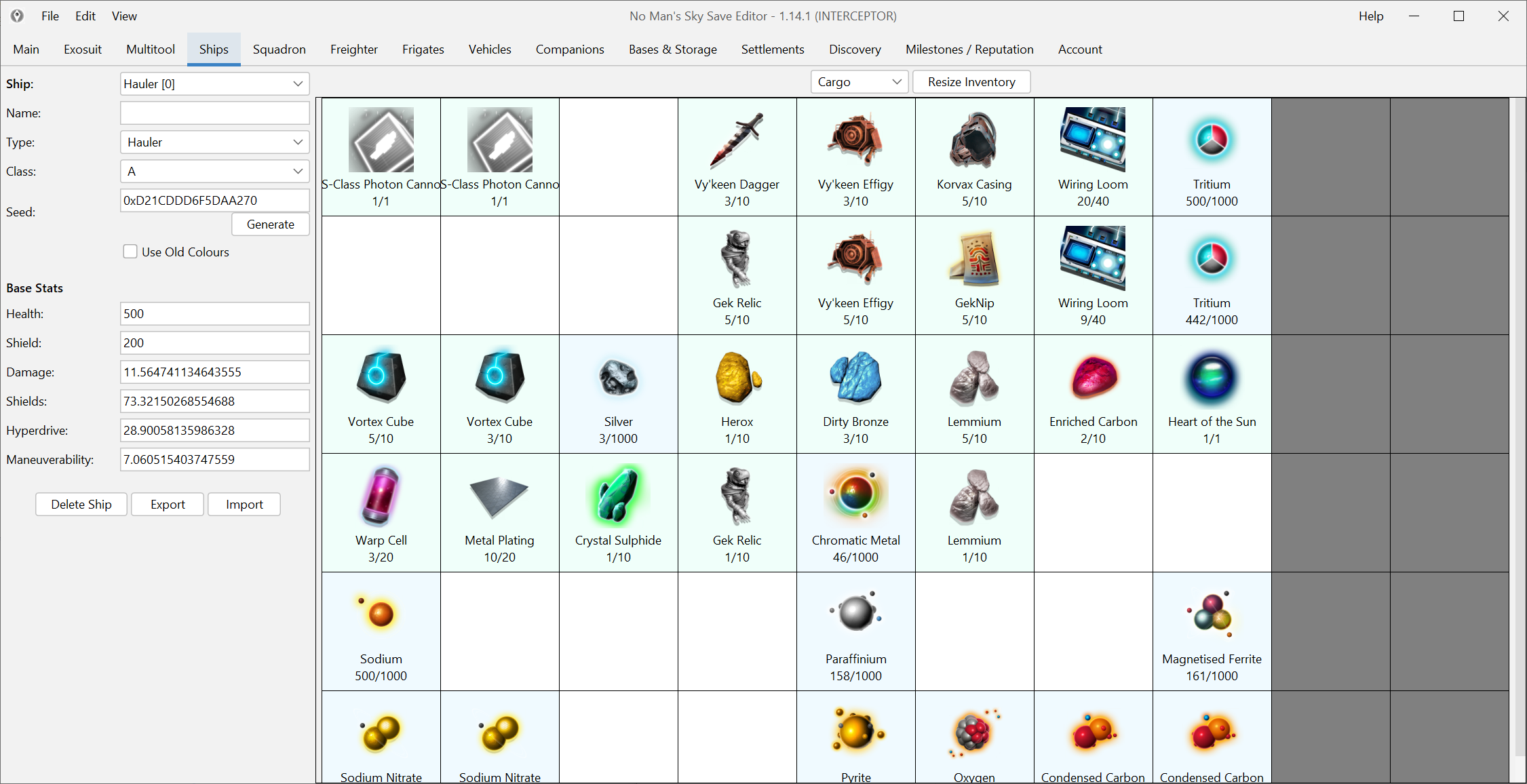
Save Management & Backups
Open the right slot, keep a rollback path and make deliberate changes instead of editing blind.
- Automatic backup and recovery of saves
- Clear save-slot selection before editing
- Backup and restore base or freighter structures
- Best starting point for repair work, not just item edits
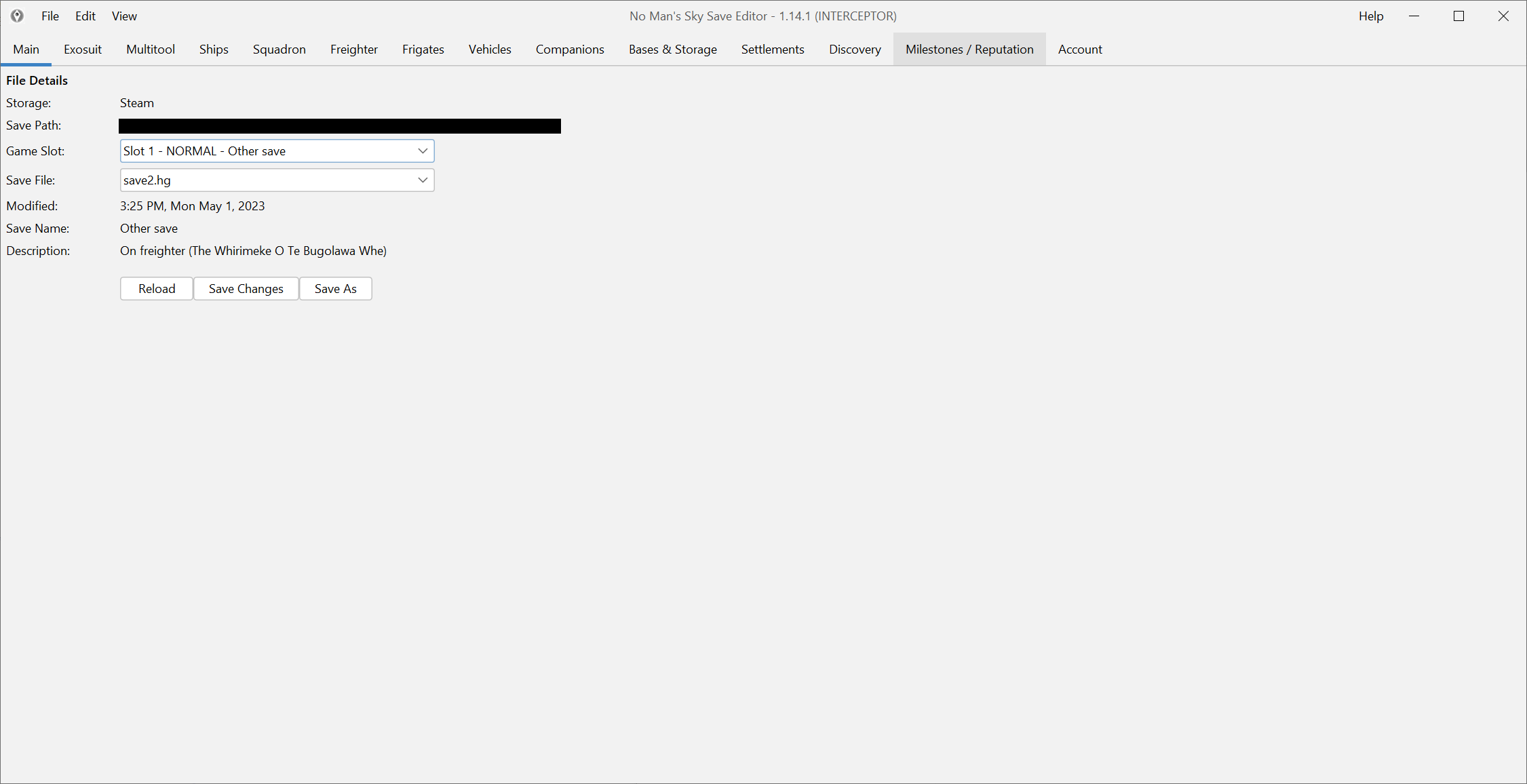
Inventory & Items
Move, clone, add, repair, recharge and reorganize inventory data without digging through raw save structures first.
- Drag, drop and right-click item management
- Add items, clone stacks and repair tech quickly
- Resize inventories and enable extra slots carefully
- See in-game item context instead of editing blind labels
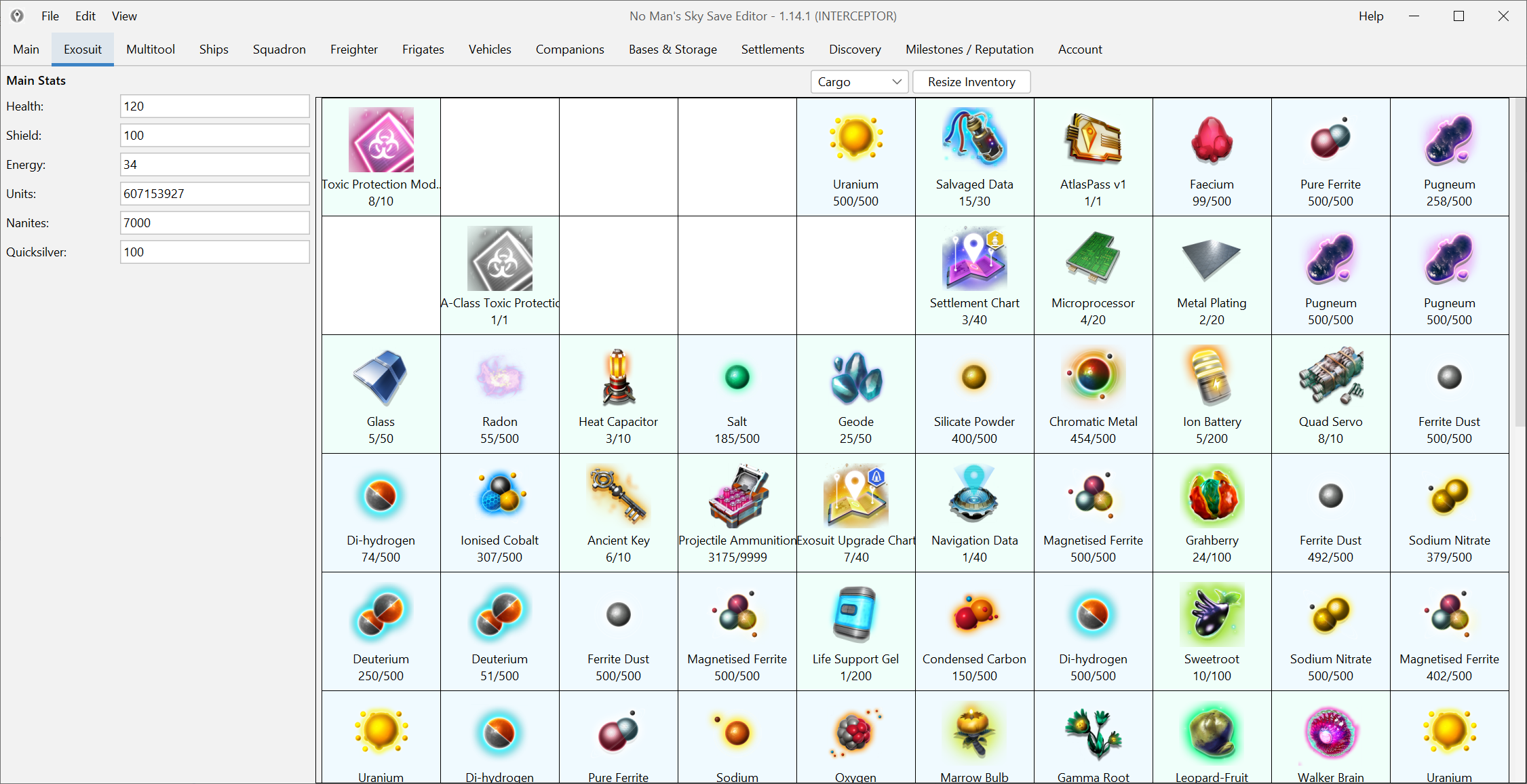
Ships, Freighters & Multitools
Handle ship class, seed and layout work alongside freighter, frigate and multitool data in a purpose-built UI.
- Adjust classes, types, seeds and related stats
- Import and export certain ship and multitool data
- Work across ships, freighters and frigates from one editor
- Useful for both repair workflows and deep customization
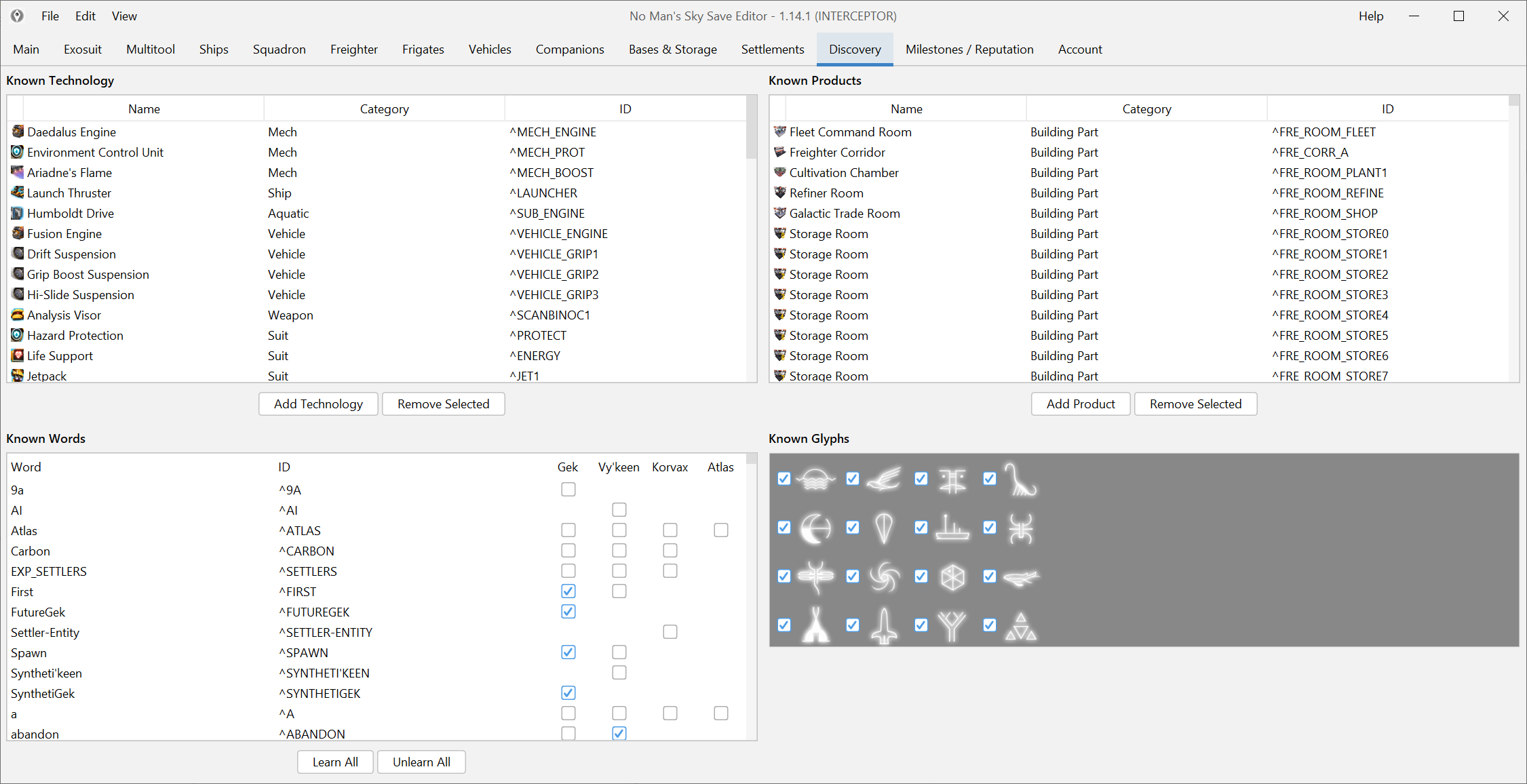
Discoveries, Words & Unlocks
Edit knowledge, products, glyphs and other progression-linked discovery data without hunting for hidden switches.
- Known technologies, products, words and glyphs
- Discovery-oriented progression changes
- Useful when grind and bug repair overlap
- Best handled one block at a time with a backup ready
Account Data & Rewards
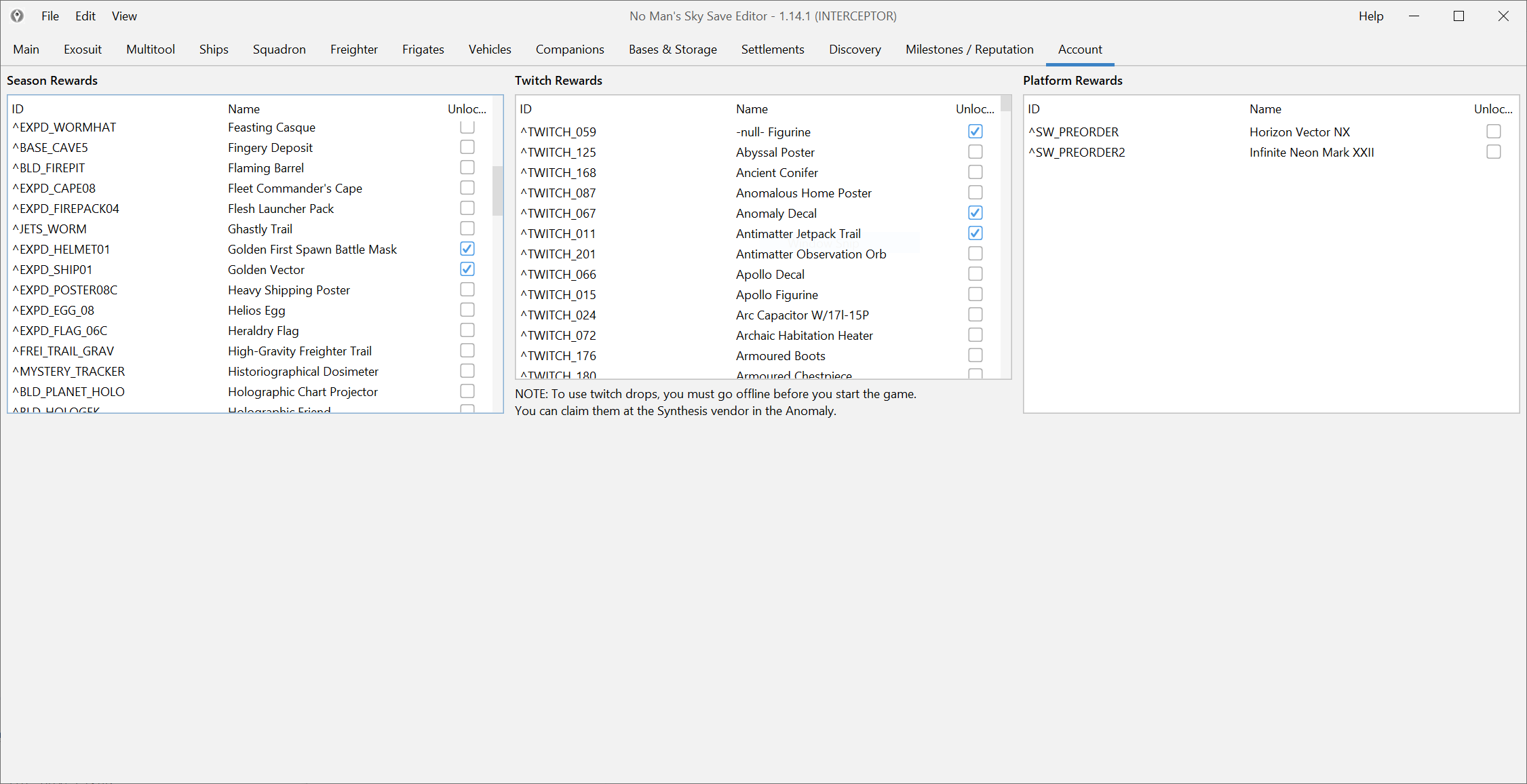
Unlock expedition rewards, Twitch rewards and account-level entitlements through the editor's account-oriented workflows.
- Account data and reward flags
- Useful for expedition and entitlement recovery
- Often the right path for old rewards and unlocks
- Newest reward IDs can lag after major updates
Companions & Settlements
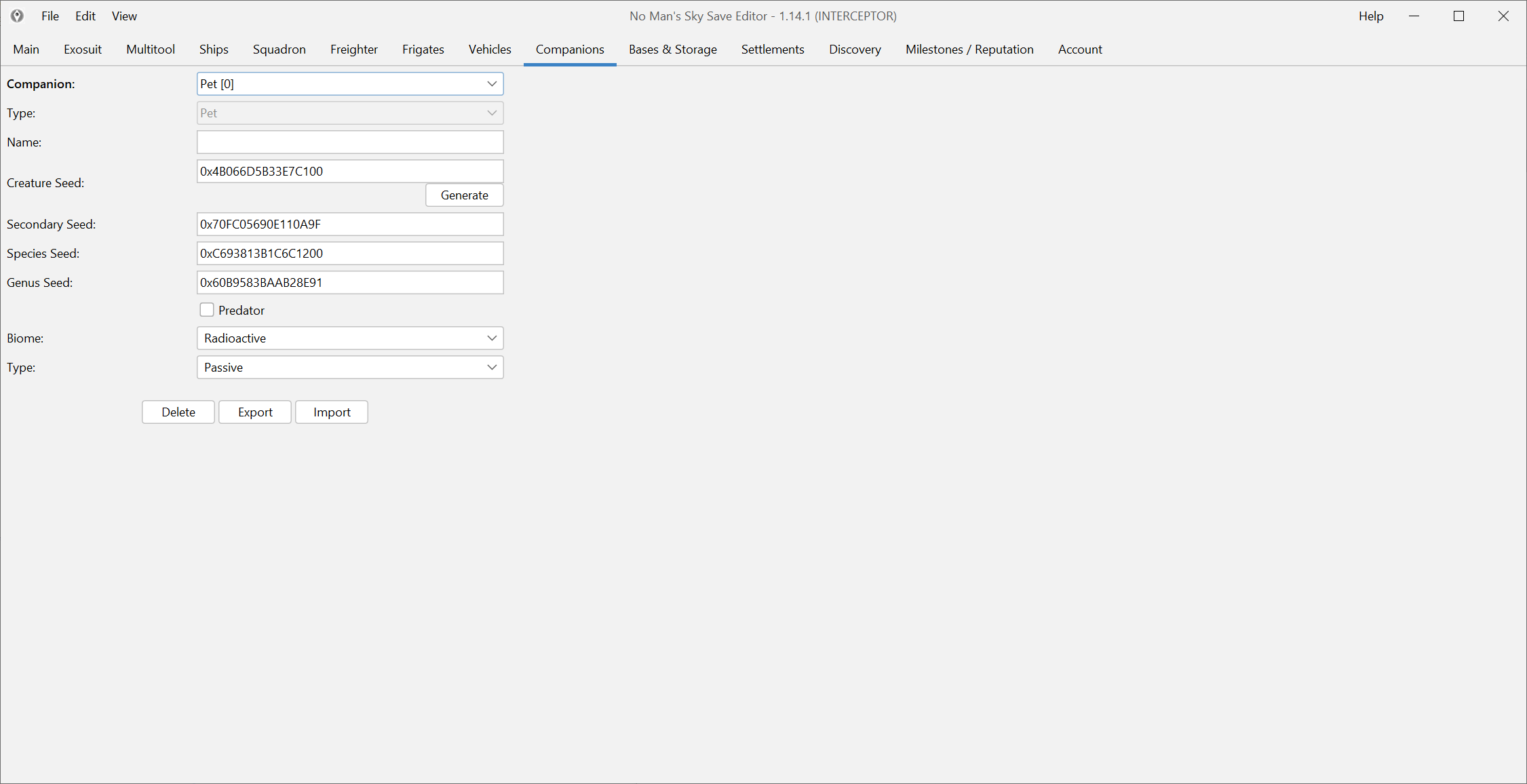
Adjust pet and settlement-related values when the built-in game route is too slow, too rigid or already broken.
- Companion seeds, appearance and related values
- Settlement population, production and upkeep fields
- A real customization use case, not filler
- Best validated in game after each change
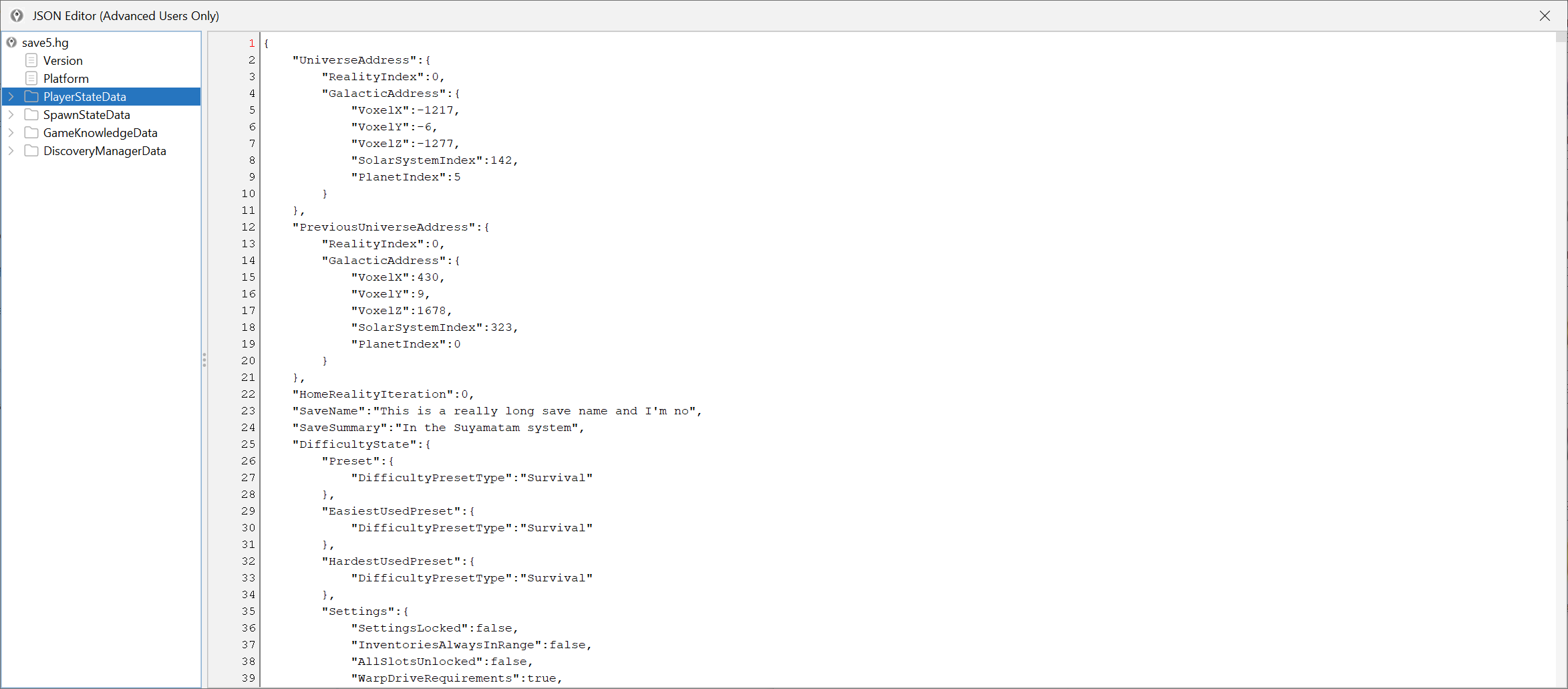
Raw JSON for Advanced Users
When a normal screen does not expose what you need, the raw JSON editor gives you direct access to the underlying save structure.
- Inspect and edit underlying save blocks
- Useful for edge cases and mission repair work
- Best used only when the normal screens are not enough
- Always pair with backups and one-change validation