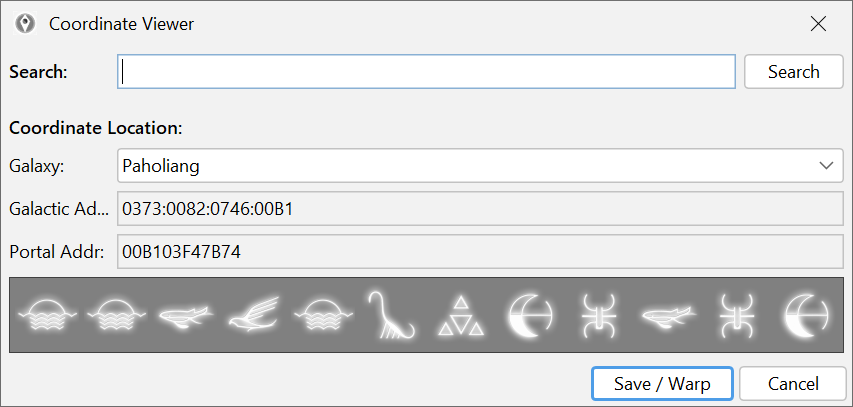
Treat location edits as high-impact changes
Changing coordinates or galaxy-related values is not the same thing as adjusting an item count. These edits can affect spawn location, current system context and how the game reads the save the next time it loads.
Treat it as advanced work from the start.
Record your starting point before you change anything
Before you touch the location data:
- back up the save,
- write down or capture the current coordinates,
- keep a clear note of the galaxy or region you started from.
If the result is wrong, that record gives you a fast path back instead of a vague memory of where you used to be.
Change one location-related block at a time
Do not mix galaxy movement, unrelated inventory work and reward edits in the same pass. If you are changing where the save thinks you are, keep the session about that one job.
After each change:
- save,
- load the game,
- confirm the location behaves as expected,
- then continue only if the result is correct.
Use the normal editor fields before raw JSON
If the editor exposes the location or coordinate workflow directly, use that first. Raw JSON should only be the fallback when the normal path is not enough for the job you are doing.
That keeps the edit more readable and easier to unwind if the result is not what you expected.
Know when the task is actually troubleshooting
Sometimes users arrive here because they think they need a galaxy edit, when the real problem is a broken mission state, a bad teleport destination or a save issue that belongs in a different guide.
If that sounds like your situation, go to:
Use this guide only if the job is genuinely about coordinates, position or galaxy context.