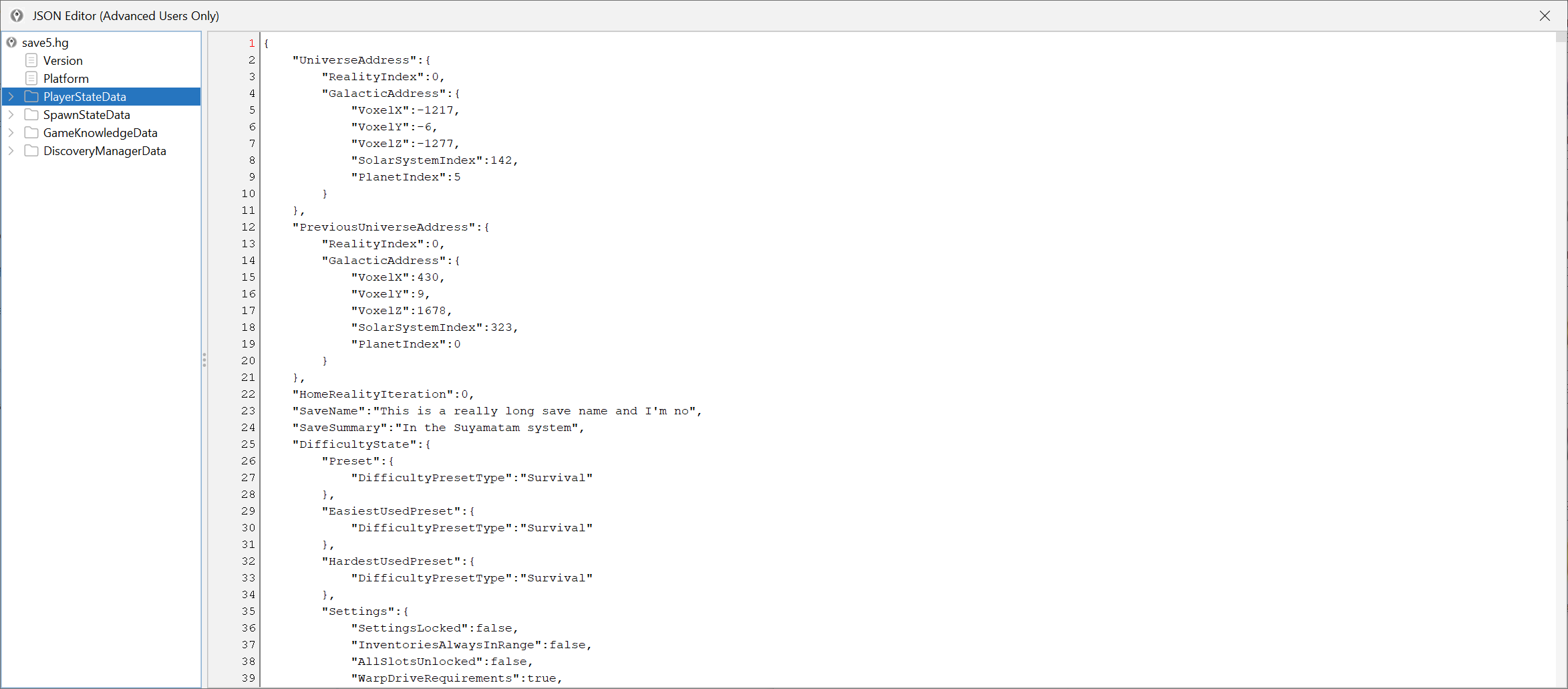
Use JSON for edge cases, not for everything
The editor already exposes a lot through normal screens. If a visual or task-oriented path exists, use that first. JSON mode is for the situations where the normal UI does not reach the field you need or where a repair workflow has become too specific for the standard tabs.
This is advanced work, not a first-run workflow.
Make a before-and-after workflow before you touch a value
The minimum safe JSON pattern is:
- keep a clean backup,
- open the exact block you want,
- change one small piece,
- save,
- test the result in game,
- keep notes if the edit is not obvious.
Do not make broad blind changes across several unrelated blocks just because you finally reached the raw layer.
Change one block at a time
JSON work gets risky when you stop knowing which change caused the result you are seeing. That is why you should edit one block, one flag group or one narrow set of values at a time.
This is especially important for:
- mission-state repair,
- save fields the normal UI does not expose,
- location or galaxy values,
- or advanced account-data cleanup.
If a task becomes bigger than one controlled pass, split it into several passes.
Validate in game after every meaningful save
Do not wait until the end of a giant JSON session to discover that the second change was the last good one. Save, load the game, confirm the effect, then continue.
That loop is slower than blind editing, but it is much faster than trying to debug ten changes at once.
Stop when the structure stops being obvious
JSON access is powerful, but it does not turn uncertain guesses into good edits. If you cannot explain what a block does, or if a recent patch may have changed the structure, stop and verify before you keep going.
That can mean:
- stepping back to a normal editor tab,
- checking Compatibility and changelog,
- reading Fix common save issues,
- or searching GitHub Issues.
The smartest JSON edit is often the one you did not make because the data was not clear enough yet.